

Most people assume that if you want to write a professional document or build a complex spreadsheet, you have to open your wallet. For years, the gold standard for productivity has been a paid subscription. However, did you know it is entirely possible to access Microsoft 365 for free? Whether you are a student, a freelancer, or just someone trying to organize your home life, you don’t always need to pay a monthly fee.
Microsoft has evolved significantly over the last decade. They have moved from a “software in a box” model to a cloud-based ecosystem. In this transition, they opened up several official pathways for users to access their most powerful tools, like Word, Excel, and PowerPoint, without spending a single penny. This guide will walk you through every legal method available right now.
Using Microsoft 365 Online via Your Web Browser – Microsoft 365 for Free
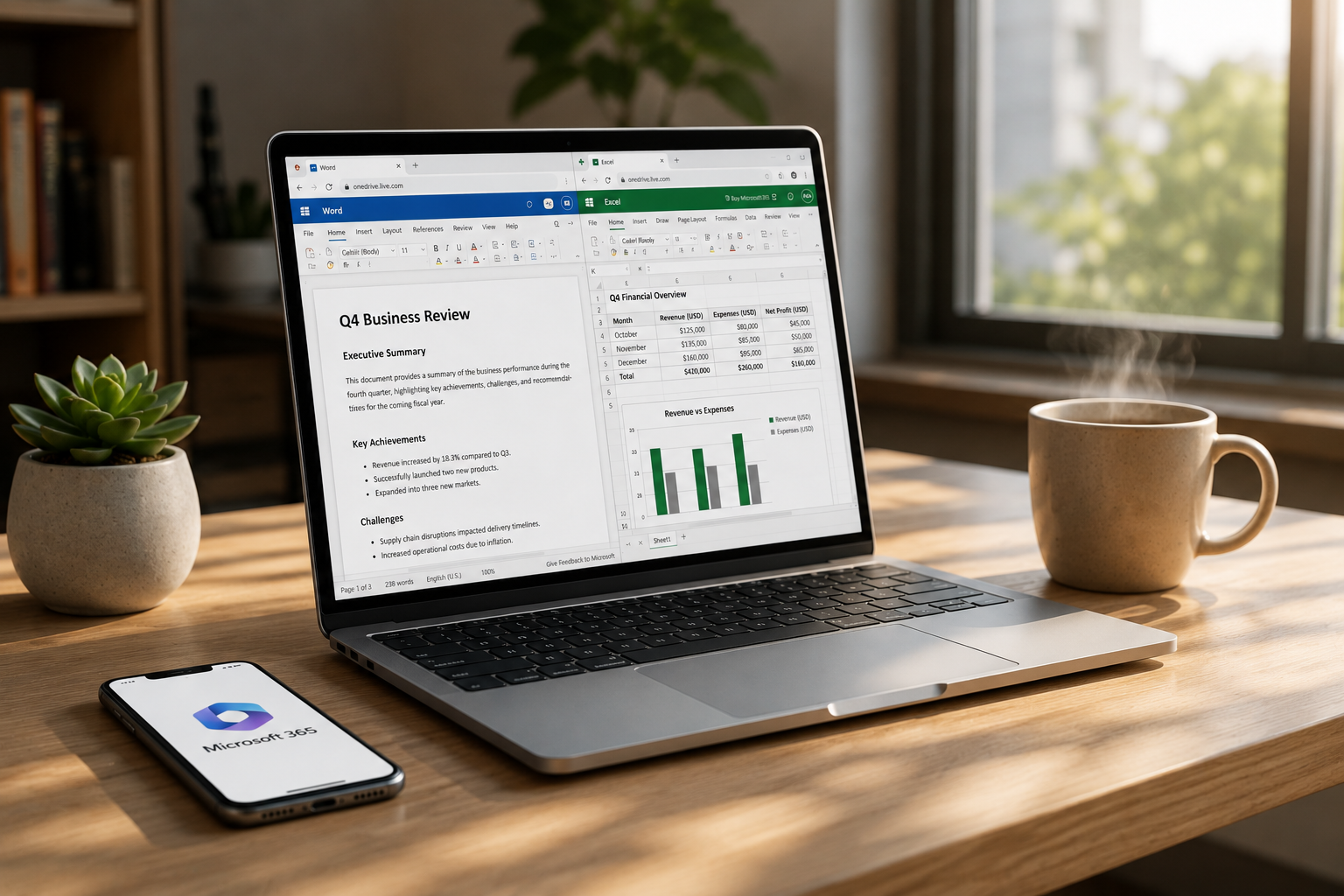
The easiest and most popular way to use these tools is through a web browser. This version used to be called Office Online, but it is now fully integrated into the Microsoft 365 brand. It works very similarly to how Google Docs or Google Sheets functions.
To get started, you simply need a Microsoft Account. If you have an old Hotmail, Live.com, or Outlook.com email address, you already have one. If not, you can create a new account in just a few minutes. Once you log in at Microsoft365.com, you have immediate access to a suite of applications.
What Features Do You Get Online? – Microsoft 365 for Free
While the web version is free, it is surprisingly powerful. You can create documents from scratch or upload existing files from your computer to edit them in the cloud. You get access to Word, Excel, PowerPoint, OneNote, and Mail.
One of the biggest advantages is the auto-save feature. Since the work happens in the cloud, you never have to worry about losing your progress if your computer crashes. You also get 5GB of free cloud storage via OneDrive, which is plenty for thousands of text documents.
Limitations of the Web Version – Microsoft 365 for Free
It is important to note that the free web version is not an exact 1:1 copy of the paid desktop software. Some advanced features, like complex macros in Excel or specific advanced formatting in Word, are reserved for paying subscribers. However, for 95% of daily tasks, the web version is more than enough.
Getting Microsoft 365 for Free on Mobile Devices – Microsoft 365 for Free
If you prefer to work on the go, Microsoft offers a fantastic mobile experience. In the past, you had to download separate apps for every tool. Now, there is a unified Microsoft 365 app available for both Android and iOS devices.
This mobile app is a powerhouse of productivity. It combines Word, Excel, and PowerPoint into a single interface. It is specifically designed for smaller screens, making it easy to review documents on the train or make quick edits to a presentation before a meeting.
Mobile-Exclusive Features – Microsoft 365 for Free
The mobile app includes some “smart” features that the desktop version lacks. For example, you can use your phone’s camera to scan a physical document and turn it into an editable Word file. You can also capture a printed table and instantly convert it into a digital Excel spreadsheet.
Screen Size Restrictions – Microsoft 365 for Free
There is one small catch for tablet users. Microsoft allows free editing on devices with a screen size of 10.1 inches or smaller. If you are using a large iPad Pro or a giant Android tablet, the app may limit you to “read-only” mode unless you have a paid subscription. For almost all smartphones, however, editing is completely free.
Free Access for Students and Educators – Microsoft 365 for Free
If you are currently enrolled in a school, college, or university, you might be sitting on a goldmine of free software. Microsoft offers a program called Office 365 Education. This isn’t just the web version; in many cases, it includes the full desktop applications that you can install on your PC or Mac.
How to Check Your Eligibility
To claim this, you generally need a valid school email address (usually ending in .edu). You can visit the Microsoft Education website and enter your email address to see if your institution is part of the program. If it is, you can download the latest versions of the software for free.
Benefits for Teachers
This program isn’t just for students. Faculty members and staff are often eligible as well. It includes powerful collaboration tools like Microsoft Teams, which helps educators manage classrooms and share assignments digitally.
Taking Advantage of the Free Trial – Microsoft 365 for Free
Sometimes, you just need the full desktop power for a short project. If you have a big presentation or a complex data analysis task that requires the desktop version of Excel, you can sign up for a one-month free trial of Microsoft 365 Family.
This trial gives you full access to everything for 30 days. You can install the apps on up to five devices. Just remember that you will need to provide credit card information upfront. To avoid being charged, make sure you cancel the subscription before the trial month ends.
The Benefits of OneDrive Integration – Microsoft 365 for Free
Whether you use the web version or the mobile app, everything revolves around OneDrive. This is Microsoft’s cloud storage service. When you use Microsoft 365 for free, you get 5GB of storage.
Collaboration Made Easy
Because your files live in the cloud, you can share a link with anyone. This allows multiple people to work on the same document at the same time. You can see their cursors moving and see their edits as they happen. It is a perfect solution for group projects or co-authoring a budget with a family member.
Accessing Files Anywhere
Since your files are synced, you can start a document on your office computer, make a quick edit on your phone during lunch, and finish it on your laptop at home. This seamless transition is one of the strongest selling points of using the free ecosystem.
Why Microsoft Offers This for Free – Microsoft 365 for Free
You might be wondering why a massive corporation would give away its most famous software. The reason is simple: competition. With the rise of Google Workspace, Microsoft wants to ensure that the next generation of workers is comfortable using their interface.
By providing a high-quality free tier, they keep users within their ecosystem. They hope that as your needs grow, perhaps when you start a business or need more storage, you will eventually choose to upgrade to a paid plan. In the meantime, they are happy to let you use the basic tools for free.
Final Thoughts – Microsoft 365 for Free
Accessing Microsoft 365 for free is easier than most people realize. By using the web-based versions or the mobile app, you can handle almost any professional task without spending a dime. While the paid versions offer more storage and advanced features, the free options provided by Microsoft are incredibly robust and user-friendly.
If you haven’t tried the web versions lately, you might be surprised by how fast and capable they have become. They are no longer “lite” versions; they are full-featured tools that live in your browser.
Are you ready to stop paying for subscriptions you don’t fully use? Head over to the Microsoft 365 website today, sign in with your account, and start creating. You have all the tools you need to succeed right at your fingertips.
Read another interesting news here: Microsoft 365 for free
